


Buying Proxies With Crypto: Network Selection, Invoice Checks, and Payment Verification
To buy a proxy with crypto, choose the service, generate a current payment invoice, and send the exact requested asset over the specified network. Then check the transaction, the order’s payment status, and service activation separately.
Before sending, make sure your wallet matches the invoice on five details: asset, transfer network, recipient address, amount, and any required memo or destination tag. A merchant accepting your cryptocurrency is only the starting point.
ProxySocks5’s payment methods page currently lists cryptocurrency options, including Bitcoin and several stablecoin/network combinations. It also states that crypto activation depends on required network confirmations. The options and instructions on your current checkout invoice, however, should determine what you send.
Here’s how to check those details, follow payment progress, and troubleshoot a transfer that has not resulted in an active order.
Verify the Merchant and Current Payment Instructions
Start from the merchant’s official website, not a payment address in an unsolicited message, advertisement, or search-result snippet.
For ProxySocks5, check that the website hostname is exactly proxysocks5.com, then follow its account and checkout links. If checkout redirects to a payment processor, verify that the redirect came from your legitimate order session. A different checkout domain is not automatically fraudulent, but its connection to your purchase should be clear.
HTTPS protects your connection to the domain shown in the browser. It does not prove that a lookalike domain belongs to the merchant.
Before paying:
- Confirm the product, quantity, location, and billing period.
- Review the current total and applicable fees.
- Read the cancellation, renewal, and refund conditions.
- Save the order reference and invoice identifier.
- Generate fresh payment instructions for this order.
Do not reuse an address from a previous purchase without checking it. Some payment systems generate addresses or payment references for individual invoices.
Check Proxy Compatibility Before Committing Funds
A successful payment does not mean the proxy will work with your application. Compare current proxy pricing and review the relevant SOCKS5 product information before checkout.
Confirm the protocol, authentication method, IP allocation model, and any destination restrictions that matter to your workflow.
If you plan to buy a SOCKS5 proxy with crypto for a UDP application, distinguish these two operations:
- TCP
CONNECT: Requests a TCP connection through the proxy. UDP ASSOCIATE: Establishes an association for relaying UDP datagrams.
RFC 1928 defines them separately. A SOCKS5 label does not guarantee that every provider, endpoint, or client implements UDP relay. A successful web connection does not establish compatibility with every application or confirm UDP support. Likewise, a general UDP connectivity tester does not prove SOCKS5 UDP ASSOCIATE support.
Resolve essential compatibility questions before sending a payment that may be difficult to recover.
Match the Cryptocurrency Asset to the Accepted Transfer Network
The asset is what you pay—for example, BTC, ETH, or a particular stablecoin. The network is the blockchain or payment system carrying the transfer.
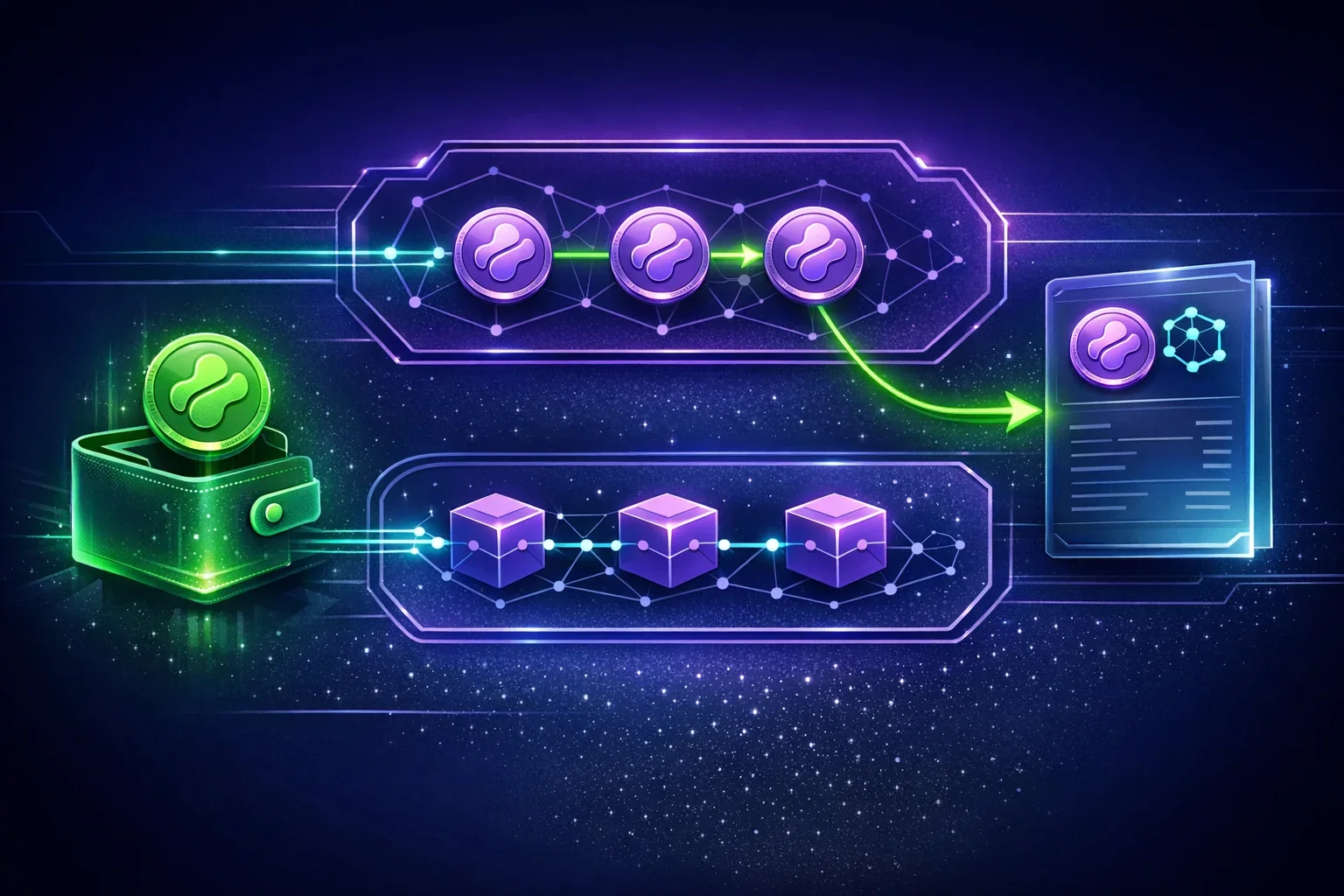
Some tokens exist on multiple networks, so selecting the right token name in an exchange withdrawal screen is not enough.
| Invoice detail | What to verify |
|---|---|
| Asset | The exact coin or token requested |
| Network | The specific blockchain or supported transfer system |
| Recipient | The address generated for this payment |
| Token version | The accepted token contract or version, where relevant |
| Amount | The cryptocurrency amount requested by the current invoice |
| Additional reference | Any required memo, tag, or payment identifier |
A matching address format does not prove network compatibility. Multiple Ethereum-compatible networks use addresses beginning with 0x, but they maintain separate blockchain states. An address that looks valid on several networks does not mean the processor accepts or monitors payments on all of them.
Example: The Right Stablecoin on the Wrong Network
Suppose an invoice requests USDC on Ethereum, while your exchange offers USDC withdrawals over Ethereum and several other networks.
Choosing another network for its lower withdrawal fee does not satisfy the Ethereum invoice. Even if the recipient address looks the same, the processor may not detect or credit the transfer.
This is an illustrative example, not a statement about the options currently available at any particular checkout.
The rule is simple: use only the asset/network pair explicitly selected on the invoice. If your wallet cannot send that pair, choose another supported invoice option before paying.
Do not bridge assets directly to an invoice address unless the payment system explicitly supports that workflow. A bridge adds another operation, potential delay, and possible difference in the asset delivered.
Buying a Proxy With Bitcoin: Check the Payment Rail
If you want to buy a proxy with Bitcoin, check whether the invoice requests an on-chain Bitcoin transfer or explicitly offers another payment rail, such as Lightning.
An on-chain Bitcoin address and a Lightning invoice are not interchangeable payment instructions. A merchant listing Bitcoin does not necessarily support Lightning.
Bitcoin Cash is also not Bitcoin. Similar names do not make the assets or their payment networks interchangeable.
Check Addresses, Required Memos, Fees, and Invoice Expiry
Your wallet’s final confirmation screen is the last practical opportunity to catch many payment mistakes. Review it against the invoice before authorizing the transfer.
Verify the Recipient After Pasting or Scanning
Copy the address from the authenticated invoice or scan its QR code. Then compare the destination displayed in your wallet with the invoice.
Check the full address where practical, rather than just its first and last characters. Clipboard malware and address-poisoning attempts can substitute convincing-looking destinations.
A QR code reduces manual entry, but it does not independently establish authenticity. Confirm that it belongs to the current invoice and inspect the decoded payment details.
Do not copy a recipient from transaction history simply because it resembles an earlier merchant address.
Include a Memo or Destination Tag When Required
Some payment systems use a shared receiving address and an additional reference to identify the beneficiary or invoice.
For example, the XRP Ledger supports destination tags that businesses can use to associate incoming payments with customers or purchases. Omitting a necessary tag may require manual investigation. The transfer may instead be rejected if the recipient requires tags.
Follow the invoice precisely:
- Copy the memo or tag exactly when supplied.
- Do not invent one when none is requested.
- Confirm that your sending platform supports the required field.
- Do not substitute an exchange’s internal withdrawal note for an on-chain memo.
If your wallet cannot enter a mandatory reference, resolve that limitation before sending.
Separate the Invoice Amount From Transfer Fees
The invoice amount, network fee, and exchange withdrawal fee may be separate charges.
With a self-custody wallet, you generally need enough funds for both the payment and the applicable network fee. For a typical ERC-20 transfer on Ethereum, gas is normally paid in ETH, although sponsored-transaction systems can behave differently.
An exchange may deduct its withdrawal fee from the amount you enter or charge it separately. Check the final recipient receives amount rather than assuming your input equals the amount delivered.
For example, an invoice requesting 30 units of a token would be underpaid if a withdrawal deduction reduced delivery to 29 units. These figures are illustrative, not current prices or fees.
If the processor has quoted a cryptocurrency amount, use that quote. Do not calculate your own conversion from the fiat product price.
Allow Time for Sending-Platform Delays
An exchange withdrawal may need security approval, internal processing, or batching before it reaches the blockchain.
Check the invoice countdown before initiating the withdrawal. Expiry rules vary: a processor may require payment detection, broadcast, or another event before the deadline. Do not assume all confirmations must finish within the countdown—or that broadcast alone is sufficient.
If the invoice expires before you send, generate fresh instructions rather than guessing whether the old address will still be credited.
A small test transfer is not automatically appropriate for a checkout invoice. Partial payments can create extra fees or reconciliation problems, so check the processor’s instructions before splitting a payment.
Distinguish Broadcast, Confirmation, Payment Recognition, and Activation
Verifying a crypto payment means checking several separate stages. A wallet displaying “sent” does not prove that your proxy order is ready.

| Stage | What it establishes | What it does not establish |
|---|---|---|
| Withdrawal requested | Your platform accepted the request | A blockchain transaction exists |
| Broadcast | A transaction was submitted to the network | It has been included or accepted by the merchant |
| Included or confirmed | The network recorded the transaction under its rules | The correct invoice received the correct payment |
| Payment recognized | The merchant or processor matched the payment | The proxy is provisioned and configured |
| Service activated | The purchased service became available | Your application is configured correctly |
A transaction hash identifies a transaction; it is not proof of successful payment on its own. Wallets can generate hashes before successful network inclusion.
Confirmation and finality also differ across blockchains. A Bitcoin confirmation count is not directly interchangeable with an Ethereum finality state or another network’s settlement model. The merchant or processor sets its acceptance policy.
Verify the Transaction on the Correct Network
Use a reputable explorer for the selected network, preferably reached through official network documentation or your wallet’s established transaction link.
Check:
- Whether the transaction is found.
- Whether it is pending, successful, failed, or otherwise unresolved.
- Whether the intended asset reached the invoice recipient.
- Whether the delivered amount matches the invoice.
- Whether any required tag or memo is present.
Token transfers need particular care. On Ethereum, a typical ERC-20 transfer interacts with a token contract. The transaction’s top-level to field may therefore identify the contract rather than the ultimate token recipient. Inspect the token-transfer details and execution status.
A transaction included in a block can still have failed execution. Paying gas does not prove that the intended token transfer succeeded.
Finally, check the merchant’s order status. An explorer shows blockchain activity, but it cannot independently prove that the processor linked that activity to your account.
Handle Pending, Underpaid, or Expired Invoices Safely
Do not send a second full payment simply because activation is delayed. First, establish what happened to the original transfer.
Withdrawal Pending With No Visible Transaction
If your exchange shows a pending withdrawal but provides no usable on-chain transaction record, start with the sending platform.
Possible causes include internal review, withdrawal restrictions, batching, or network maintenance. The merchant cannot accelerate a withdrawal that has not reached its payment infrastructure.
An explorer returning “not found” is not conclusive by itself. You could be checking the wrong network, using an incorrect hash, or encountering an indexing delay.
Transaction Broadcast but Still Unconfirmed
Check the transaction through your wallet and the correct explorer. Network demand and transaction fee settings can affect inclusion.
Some Bitcoin wallets support fee replacement, while some Ethereum wallets offer replacement transactions using the same nonce. Availability and behavior depend on the wallet and transaction.
Use only documented wallet controls you understand. A replacement may change the transaction hash, so retain the updated identifier for support. Sending a separate second transfer is not a substitute for understanding how replacement works.
Payment Confirmed but Invoice Still Unpaid
Compare the invoice with the actual transfer:
- Was it sent over the correct network using the correct asset?
- Did it reach the correct recipient?
- Was the full requested amount delivered?
- Was any required memo or tag included?
- Was it sent within the applicable invoice window?
- Has it met the required confirmation or settlement status?
If everything matches, contact the merchant or processor through its official support channel. Provide the invoice reference, network, transaction hash, amount, and approximate send time.
Do not post payment screenshots or account details in public support discussions.
Invoice Underpaid, Overpaid, or Expired
Do not assume a shortfall will be ignored or an overpayment automatically refunded. Tolerances and handling procedures depend on the processor.
Before sending a supplemental payment, ask whether one is supported. Confirm the amount, recipient, network, and whether the existing invoice remains usable.
If you sent payment before expiry, do not immediately pay a replacement invoice. Keep both references and request reconciliation. An expired checkout status does not reverse an on-chain transfer.
Wrong Network, Wrong Address, or Missing Reference
Stop further transfers and contact official support.
Recovery depends on technical access, wallet architecture, custody arrangements, asset support, and the recipient’s policies. A superficially identical address on another network does not guarantee recovery.
Nobody can promise that a mistaken transfer is recoverable. Avoid anyone demanding your recovery phrase or an unrelated payment to “unlock” funds.
Understand Payment Privacy and Recovery Limitations
Paying with cryptocurrency does not make a proxy purchase anonymous.

Public blockchain records can reveal addresses, amounts, transaction timing, and token movements. An exchange may associate withdrawals with a verified customer. The merchant and processor may also hold order records, account information, and payment references.
Bitcoin.org explicitly explains that Bitcoin is not anonymous. A proxy changes the network path for traffic actually routed through it; it does not erase blockchain history or separate an authenticated account from its purchase records.
Protect Payment and Account Information
Keep invoice records and transaction hashes available for support, but share them selectively. A transaction hash is not a spending secret, yet it can expose financial activity and help correlate identities.
Never disclose:
- Wallet recovery phrases or private keys
- Exchange passwords or authentication codes
- Proxy credentials in public screenshots
Never grant someone remote access to your wallet for payment verification.
Do not sign unfamiliar wallet requests or approve unlimited token spending just because someone claims it is necessary to verify an ordinary transfer.
Refunds Are Separate Transactions
A blockchain payment does not offer the same reversal process as a card payment. A refund generally requires the recipient’s cooperation and is subject to applicable policies.
Do not assume a refund will return the original fiat value, include every fee, or go to the transaction’s apparent sender address. Exchange withdrawals can originate from shared wallets.
Use the official refund process. Verify that the refund address, network, and any required memo correspond to an account you control that accepts the returned asset.
A Practical Pre-Payment Checklist
Before authorizing the transfer, confirm:
- Purchase: The product matches your application and required traffic.
- Merchant: You reached checkout through the official website.
- Invoice: The order reference and payment instructions are current.
- Asset and network: Both match the sending wallet exactly.
- Recipient: The address and any memo or tag are correct.
- Amount: The recipient will receive the requested amount after deductions.
- Timing: The sending platform can meet the applicable invoice deadline.
- Evidence: You can retain the invoice and transaction identifier.
- Expectations: Confirmation, recognition, and activation are separate stages.
If anything is unclear, resolve it before sending. Checking first is usually safer than attempting payment recovery afterward.
FAQ
1. Can I buy a proxy with crypto at ProxySocks5?
ProxySocks5’s payment methods page currently lists cryptocurrency payments. Check that page and your live checkout invoice for available assets, networks, and payment instructions. Do not assume every listed option is available for every transaction.
2. Can I buy a proxy with Bitcoin and receive immediate access?
Do not assume immediate activation. ProxySocks5 states that crypto activation depends on required network confirmations. Broadcast, processor recognition, and service provisioning are separate events, so there is no universal completion time.
3. Can I use the cheapest network offered by my exchange?
Only if the invoice accepts that exact asset/network combination. A lower withdrawal fee does not make another network compatible, even when the recipient address looks identical.
4. What should I do if my transaction is confirmed but my proxy is inactive?
Compare the network, asset, recipient, amount, reference fields, and confirmation requirements with the invoice. Then contact official support with the order reference and transaction hash. Do not automatically repeat the payment.
5. Does paying for SOCKS5 proxies with crypto guarantee anonymity?
No. Blockchain records, exchange accounts, payment processors, and merchant records can connect a payment to a purchaser. SOCKS5 also does not inherently encrypt application traffic or prevent identification through logins, cookies, and other signals.

Buy Proxy, SOCKS5 & ShadowSocks Now
Buy Proxy now HTTP Proxies or SOCKS5, Dedicated or Shared, Residential or Datacenter. Fully Anonymous and Premium.
Buy Proxy


What Can We Offer You?
We offer a unique proxy infrastructure, monitored 24/7 with a 99% uptime. In the rare event of a failure, we take immediate action to resolve the issue.
Fast HTTP and SOCKS5 Proxies
Our proxy servers are optimized for performance, powered by a 1Gb/s network. Whether you use our residential or datacenter proxies, you'll experience seamless performance.
Privacy and Security Built In
Our static proxies and VPNs (residential or datacenter) ensure 100% anonymity without any IP or DNS leaks. We maintain a no-logs policy.
Pick Country, State, or City
Select proxies by city, state, or country. Our static IP proxies, VPNs, residential or datacenter, can be filtered by your desired location. Residential proxies can also be filtered by ISP.
Proxies With Unlimited Bandwidth
Our Dedicated, Shared, Residential Proxy, SOCKS5, Shadowsocks, and VPNs offer unlimited bandwidth, allowing you to use them as much as you need without any concerns.
QUIC and UDP Support
We are supporting QUIC and UDP on SOCKS5, Shadowsocks, and WireGuard VPN for apps that need faster, real-time traffic.
Amnezia VPN Obfuscation
We are offering Amnezia-based obfuscation for VPN users who need traffic to look more like regular HTTPS.
Choose Your TCP Fingerprint
We offer static Proxies and VPNs with Windows as the default TCP fingerprint, plus MacOs, Linux, Android, and iOS options.
Instant Activation, No Waiting
Purchase proxies with Instant Activation using a Card or PayPal. Transactions with cryptocurrencies require network confirmations.
Dual Authentication
Opt for username and password authentication, or authenticate by adding your IP address to our system. Access your proxy password or add your IP in your account.
Monthly IP Refresh
We offer monthly proxies, both residential and datacenter. For long-term purchases, we provide the option to change proxies directly in your account.
Helpful Support When You Need It
We understand the importance of support. If you have questions about our services, contact us via Live Chat. For any issues, open a support ticket in your account.
Multiple Payment Methods: From Card to Crypto
Buy proxies with Card, PayPal, Bitcoin (BTC), Ethereum (ETH), Litecoin (LTC), Solana (SOL), TRON (TRX), Toncoin (TON), BNB, Polygon, Avalanche, XRP, Cardano, Dogecoin, USDT, USDC, DAI, EURT, and 70+ supported cryptocurrencies.
Our Services
We offer a variety of static and dynamic IP solutions designed for legitimate business and technical use, with global coverage tailored to your project requirements.


High quality & private proxies
Dream no more! Get acquainted with our products today: protected proxy-servers, at incredible speed and minimum cost from you. Still not convinced? Check our proxies features out: - work with any sites/programs - supports HTTP/HTTPS, SOCKS5, ShadowSocks, Trojan protocols - simple login: your proxy password or by your IP
With our proxies you get fast, stable and most important, an anonymous tool to get by on the internet. High quality proxies is our motto. Try our products today: spare 5 minutes from your time to gain continuos work-flow.
Buy Proxy